Import contract notes and broker files
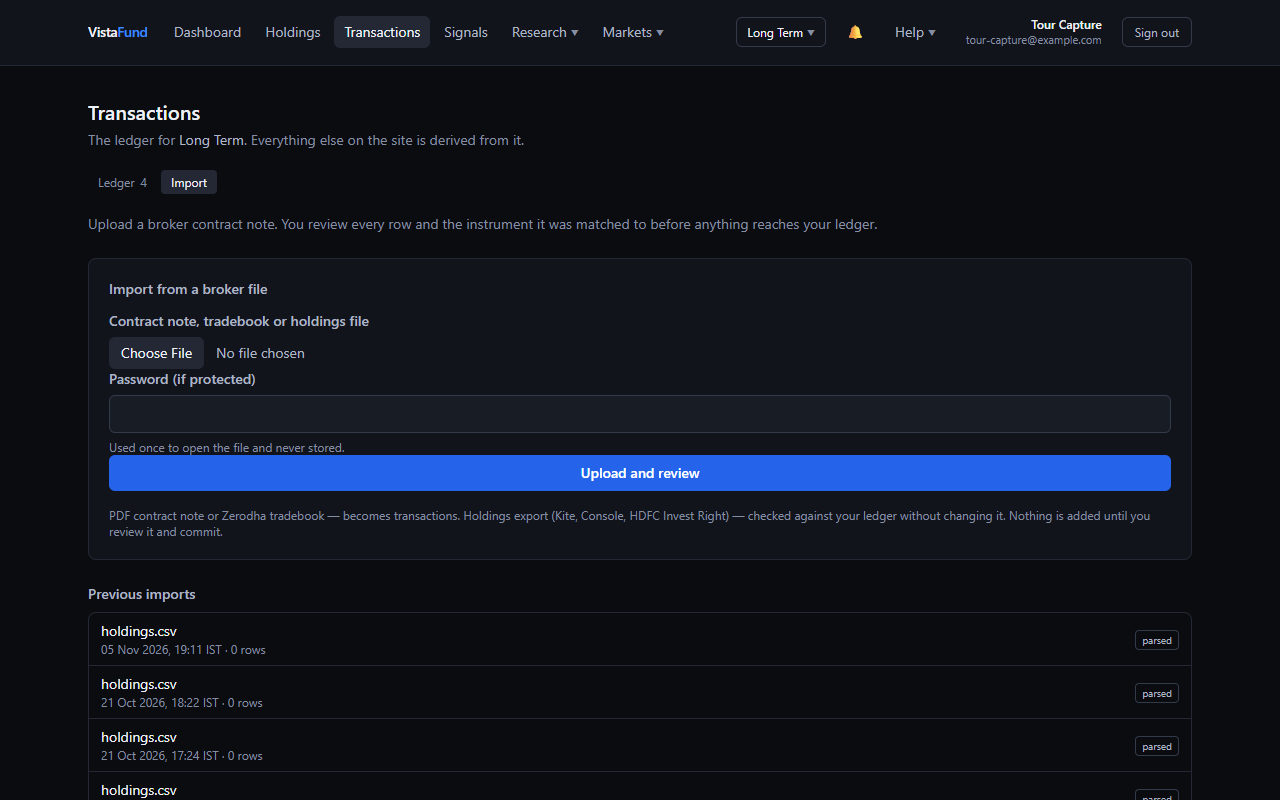
Upload the file your broker already sends you and VistaFund reads the trades out of it. No account linking, and no broker password is ever requested.
What you can upload
Contract note PDFs, the tradebook most brokers export, and holdings statements. CSV and Excel files are read as well, which covers brokers whose exports match nobody else's.
The parser works from the content of the file rather than from which broker sent it, so a layout it has not met before is a parsing problem to fix rather than a broker to add to a list.
Nothing is saved until you have seen it
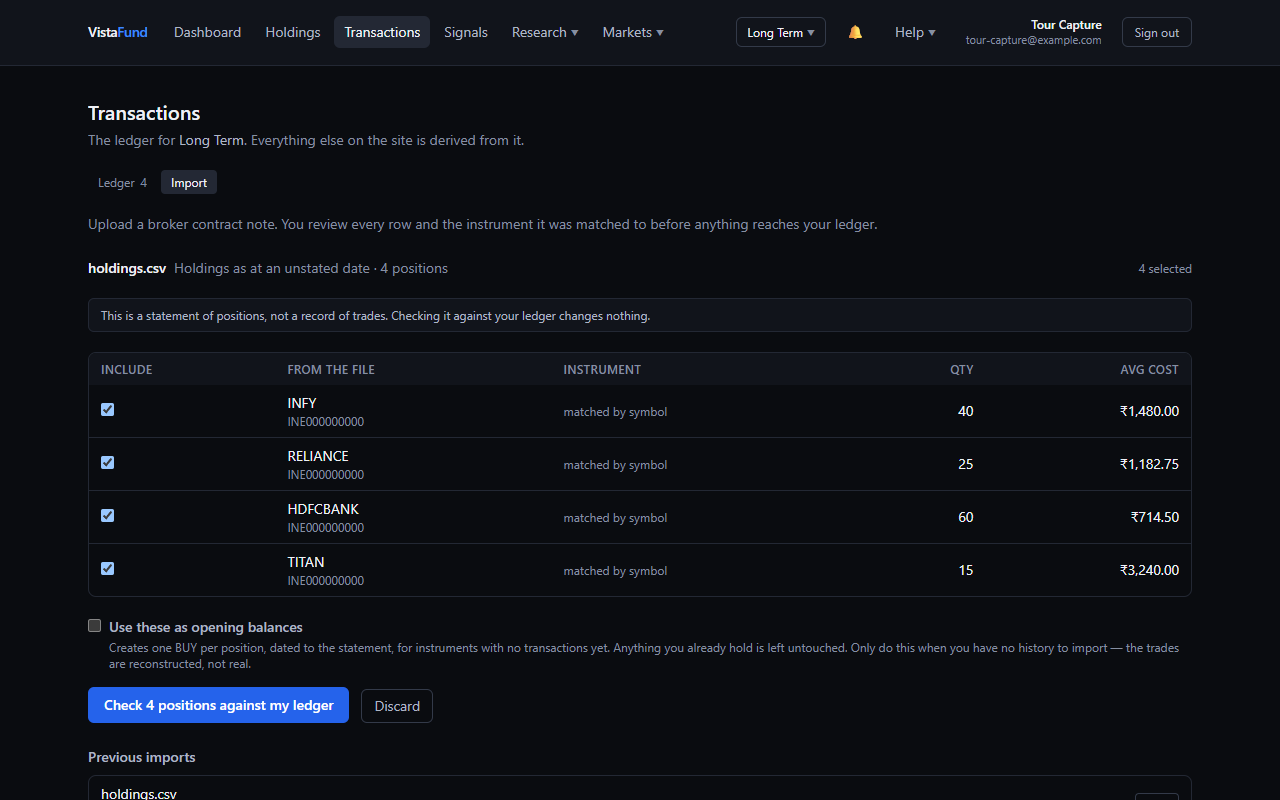
An import is a two-step operation on purpose. The file is read, every row is matched to an instrument, and the result is shown to you as a table before a single transaction is written.
Rows that could not be matched to an instrument are listed separately rather than dropped quietly, because a missing row is the error you would not notice for months.
A holdings statement can be brought in as opening balances instead of as trades, which is how a portfolio you have held for fifteen years gets in without fifteen years of contract notes.
No broker login, by design
VistaFund has no connection to your broker and asks for no broker credentials. That is a fixed decision rather than a gap: an application that cannot reach your account cannot place an order, cannot be used to move money, and cannot leak a credential it never held.
The cost is that you upload a file instead of clicking authorise. The benefit is that the worst case for your broker account, if this service were ever compromised, is unchanged.